Send MMS Messages for Enhanced Communication
Enhance your business communication with our MMS services, enabling you to send images, videos, and more directly to your customers.

Endorsed by top industry leaders
Trusted by industry experts for excellence and innovation.









How to send MMS from Dialaxy?
To send MMS, you must have an account with us. Create an account and follow these simple steps to send MMS:
- Go to the messaging section and select the receiver’s number.
- Choose the media file (image, video, audio, etc.) you want to send.
- Type your message and attach the file.
- Send the message.
What is an MMS?
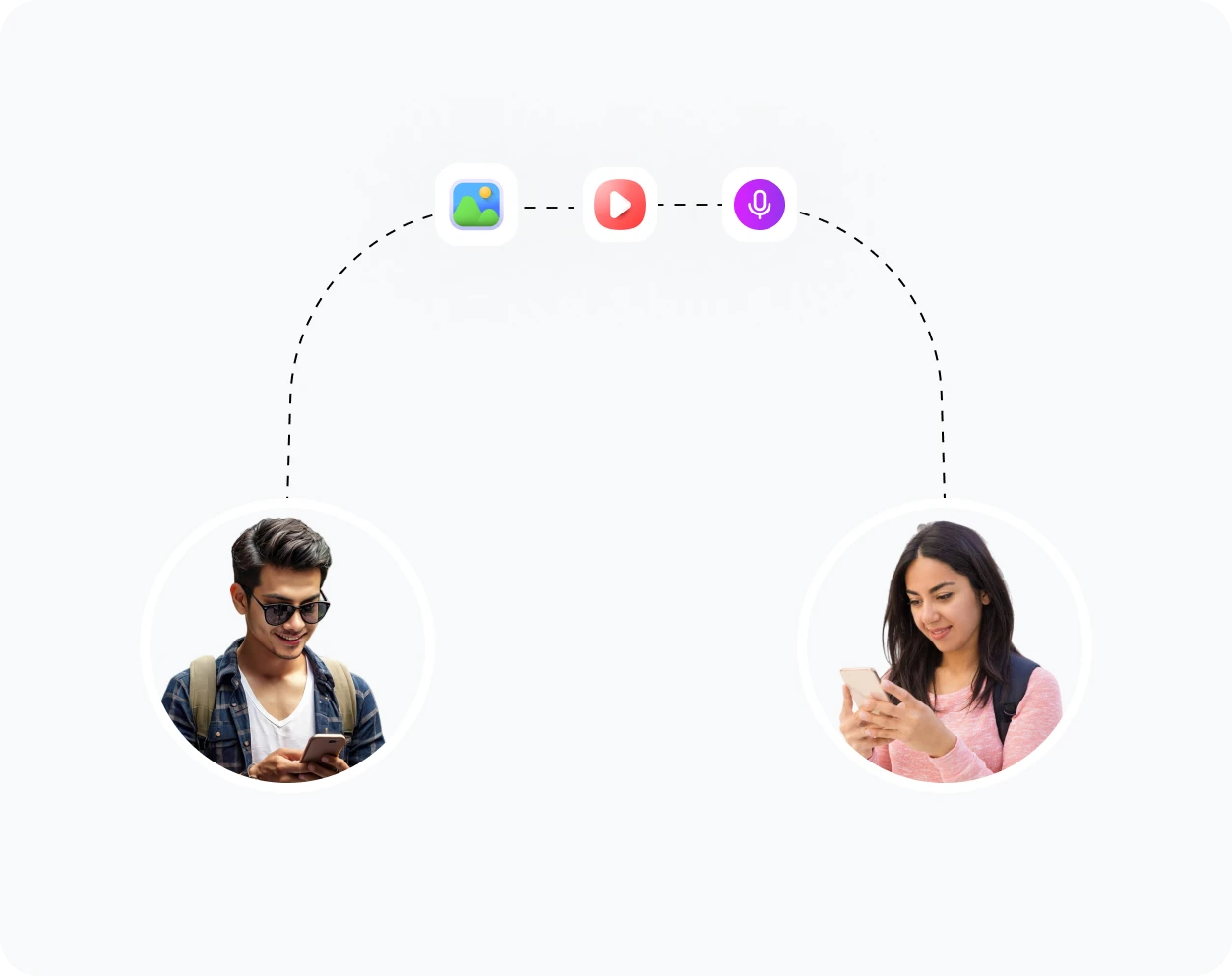
MMS (Multimedia Messaging Service) is an extension of SMS that allows users to send multimedia content such as images, videos, audio files, and more. Common uses of MMS include:
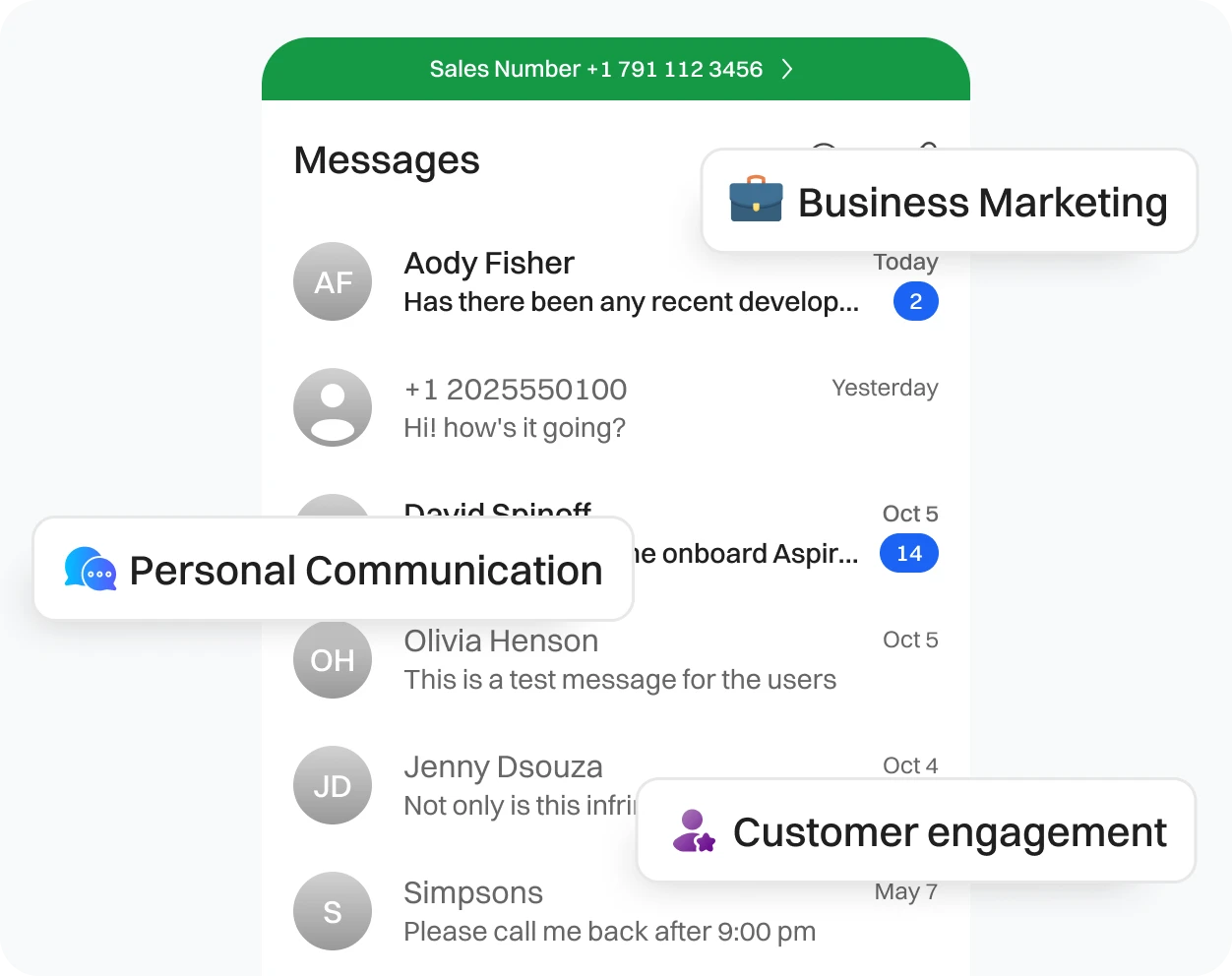
- Business marketing: sharing promotional images, videos, or product demos.
- Personal communication: sending photos or videos to family and friends.
- Customer engagement: sending visual content to enhance customer interactions.
How does MMS work?
When you send an MMS, the message is first transmitted to your mobile carrier’s MMS server, where the multimedia file is stored. The server then sends a notification to the recipient’s phone, alerting them of the incoming message.
Once notified, the recipient’s phone downloads the multimedia content from the server and displays it within their messaging app, allowing them to view the images, videos, or other media you’ve sent.
Benefits of MMS for business

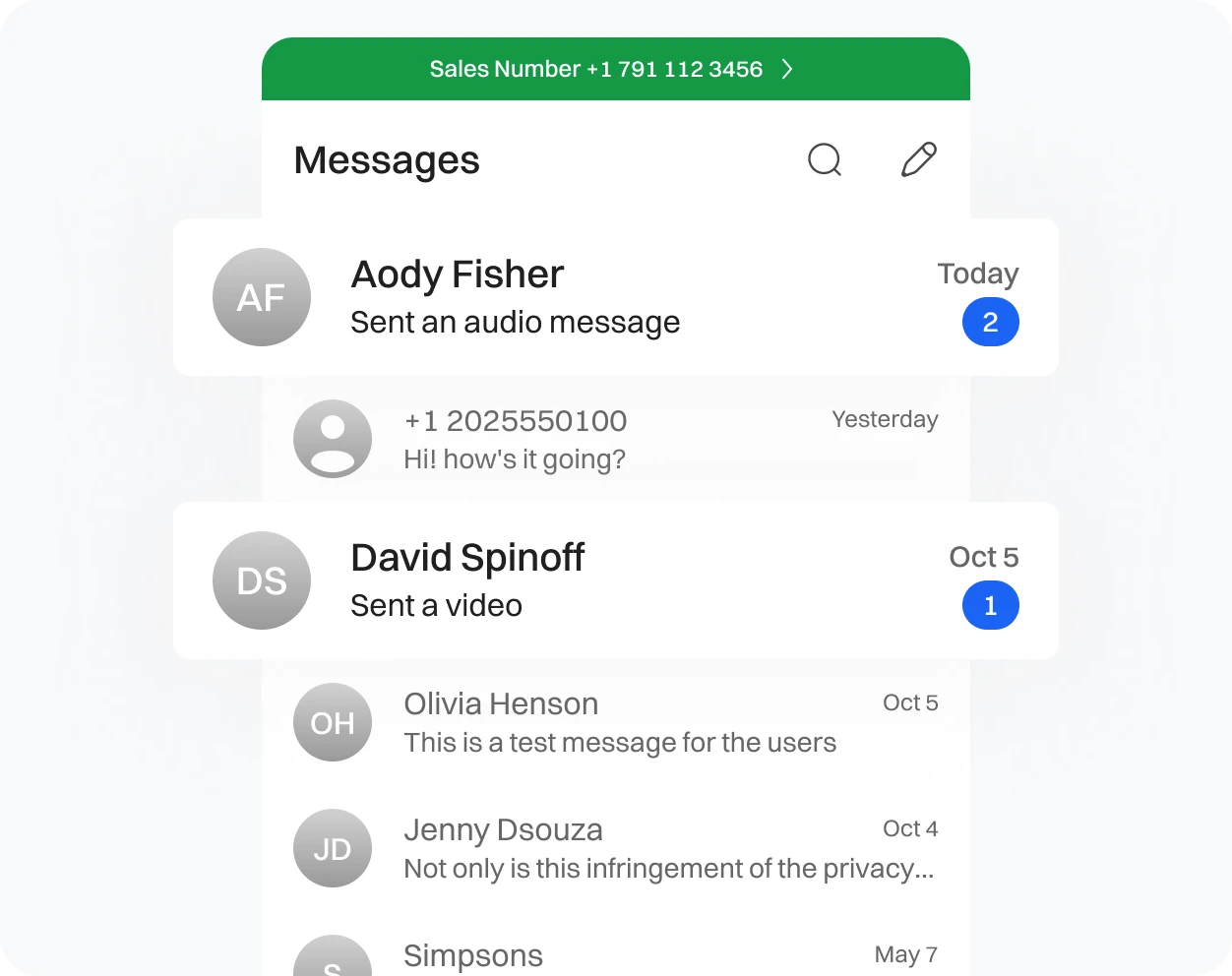
Rich Media Content
Enables businesses to send images, videos, and other multimedia, making messages more engaging and impactful.

Higher Engagement
Visual content is more likely to grab attention, increasing the chances of the recipient interacting with the message.


Things to consider for MMS messaging
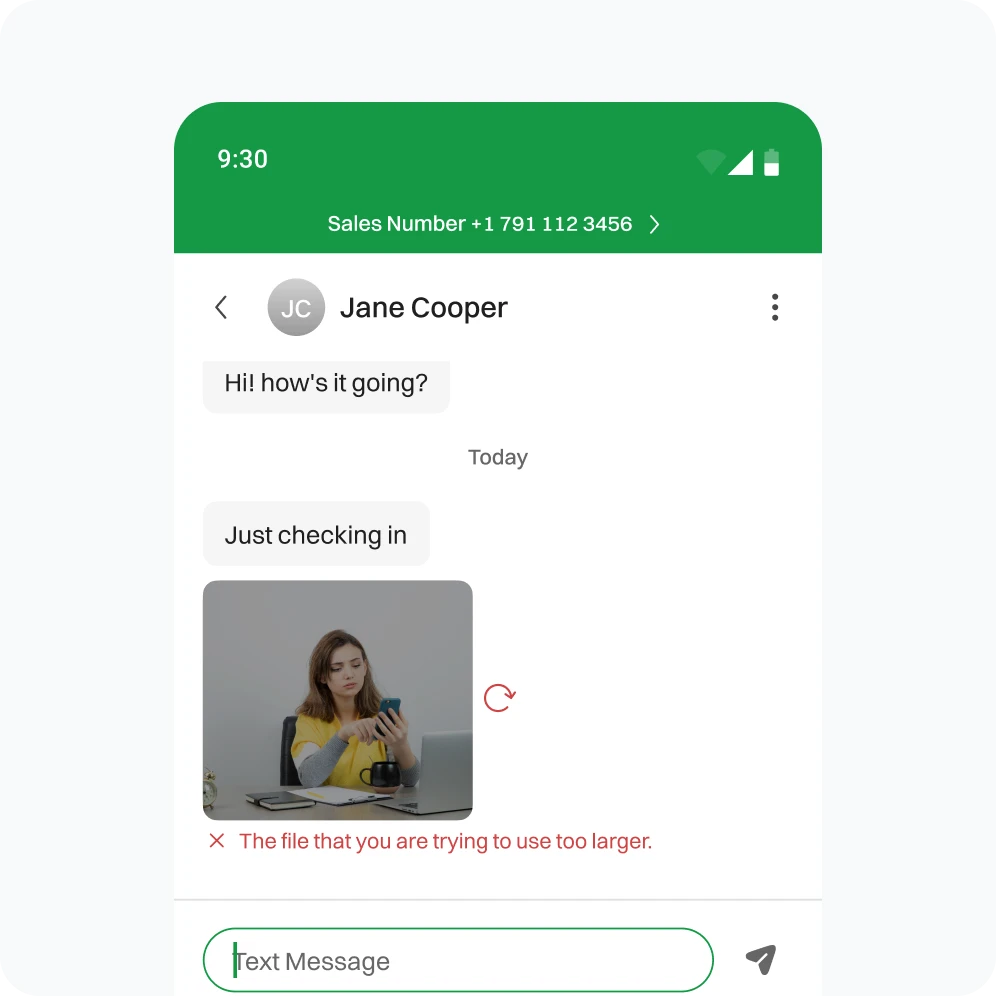
- Be mindful of the file size when sending images, videos, or other media.
- Large files may take longer to download or may not be supported by all devices.
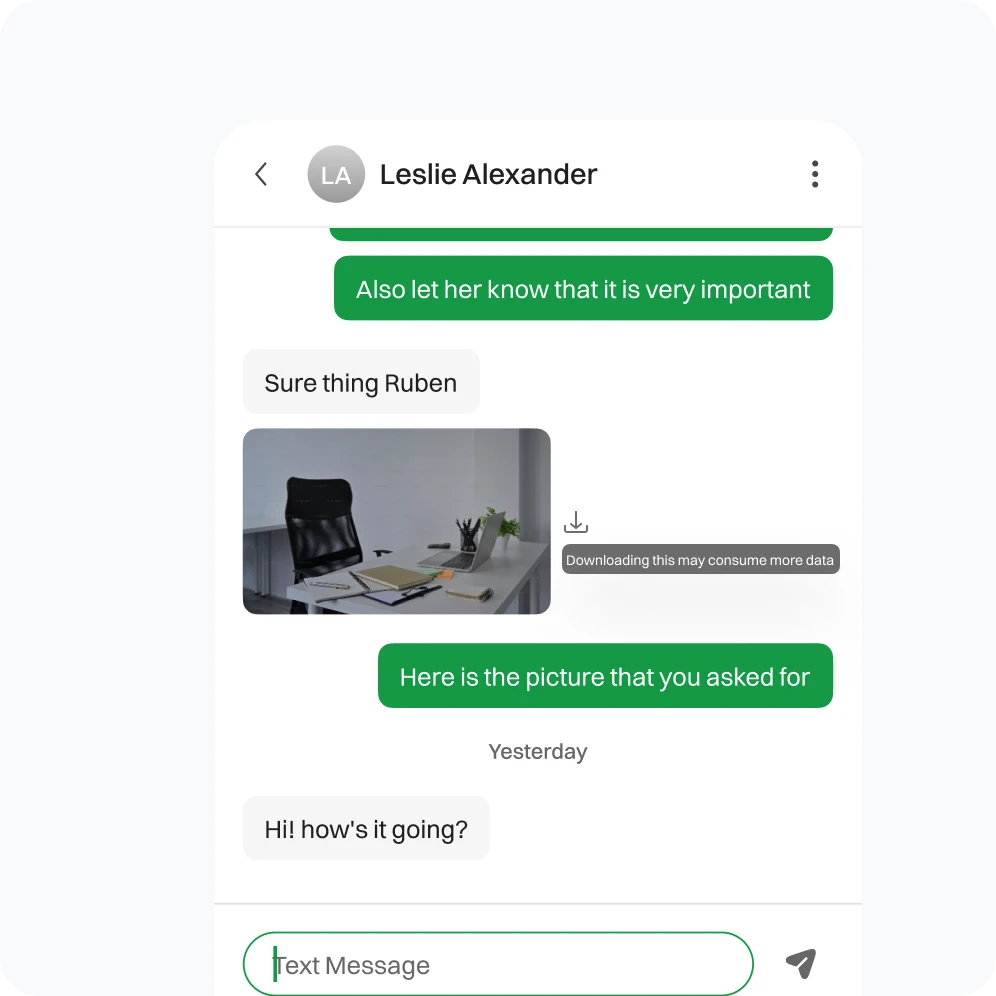
- Inform recipients that MMS messages may consume more data than regular SMS.
- Provide an alternative option, like a link, for those who may have limited data plans.
- Verify that the MMS content is compatible across different devices and networks.
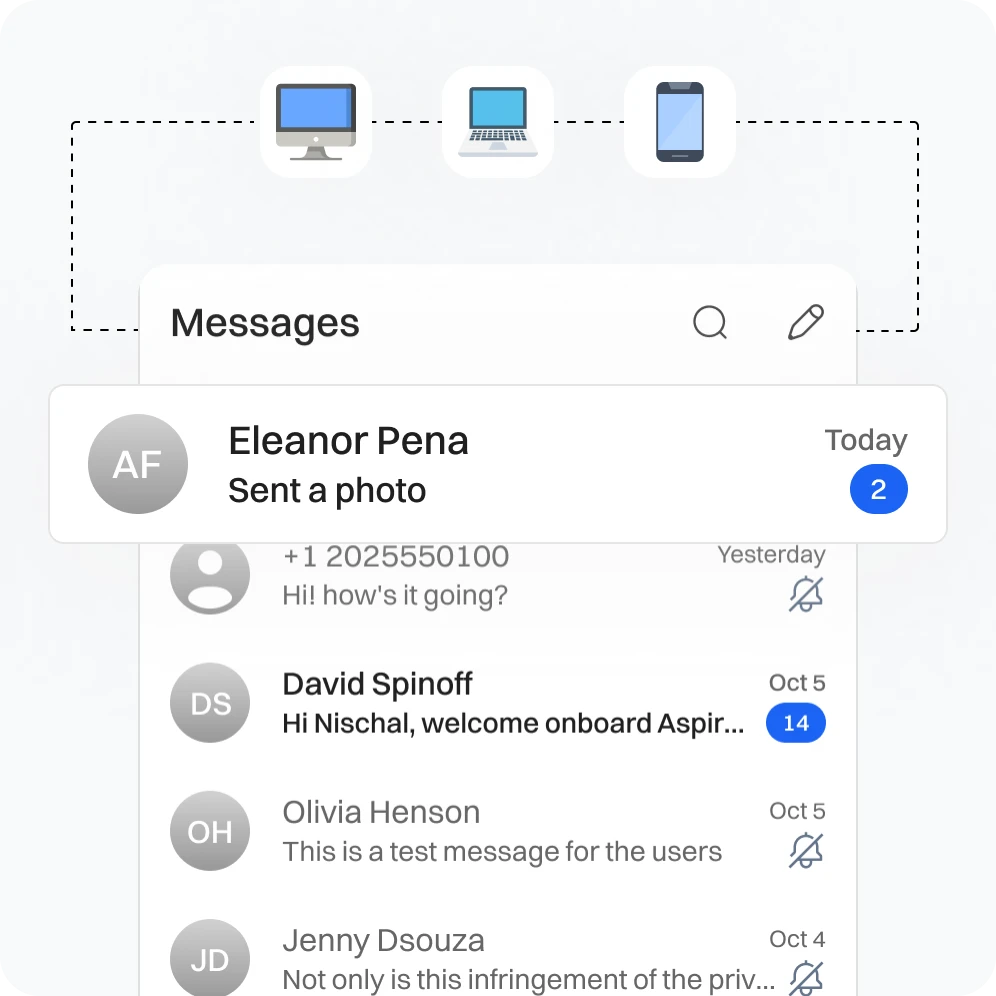
- Test on various platforms to ensure consistent delivery and display.
- Ensure that recipients have opted in to receive MMS messages from your business.
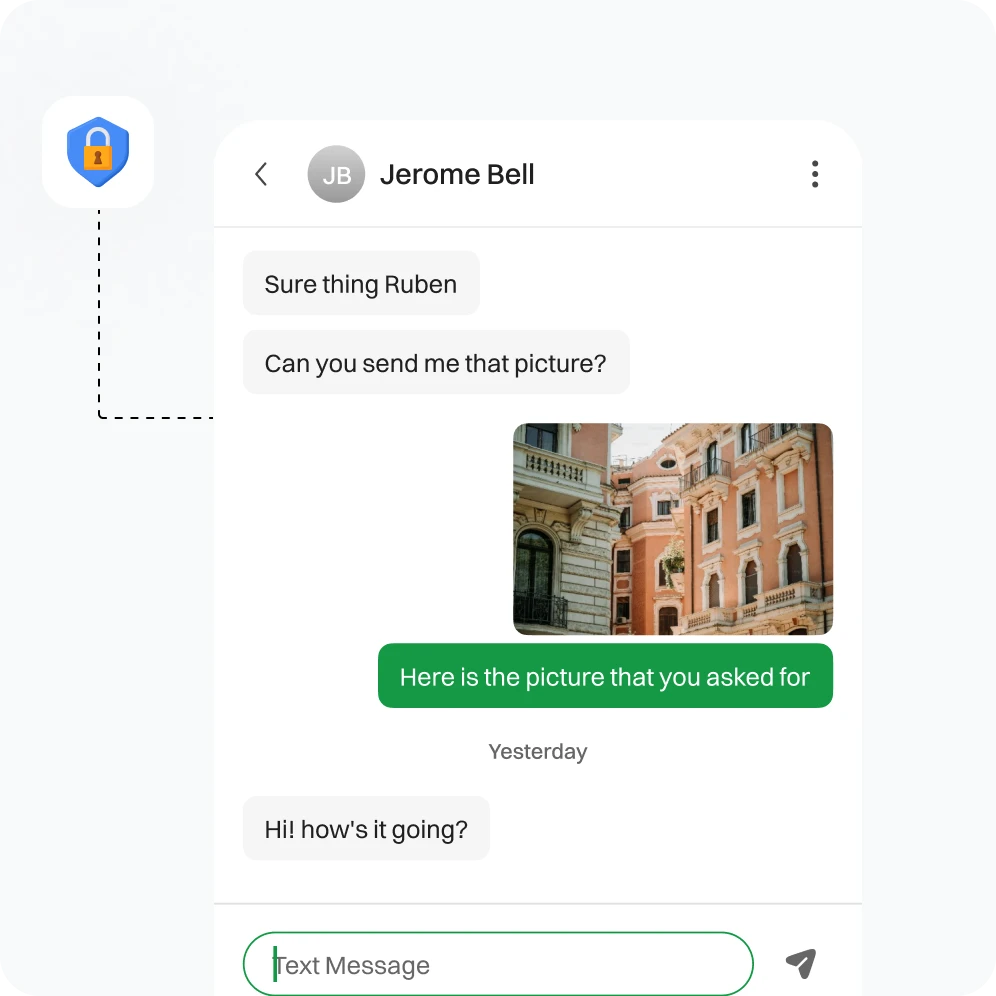
- Adhering to privacy regulations is crucial to avoid legal issues.
Do’s and Don’ts about MMS Messaing

Do’s |

Don’ts |
|---|---|
|
Do Ensure Content is Relevant |
Don't Send Low-Quality Content |
|
Do Check for Compatibility |
Don't Overuse MMS |
|
Do Obtain Consent |
Don't Forget to Personalize |
Frequently Asked Questions
Yes, you can! Dialaxy’s MMS feature supports group chats, allowing you to share multimedia content with multiple contacts simultaneously, creating lively and interactive group conversations
Our platform allows you to send multimedia files of different sizes, but limitations may be based on your network provider and data plan. You should check with your provider for any specific restrictions.
To use Dialaxy’s MMS feature, open the Dialaxy app and select the contact or group you want to message. Then, compose your message and attach any multimedia content you wish to send. Lastly, hit send, and your multimedia message will be delivered.
You can send multimedia content, including images, videos, audio clips, and even emojis and stickers, to enhance your messages and express yourself more effectively.
Yes, you can personalize your multimedia messages using Dialaxy’s MMS feature. You have the ability to customize fonts, colors, backgrounds and add stickers or emojis to make your messages unique and engaging.