Never miss an important call with efficient call forwarding solutions
Ensure seamless communication for your business with our customizable call forwarding options, specifically designed to meet your unique business needs—whether you’re using call forwarding for a small business, a large enterprise, or need a number for call forwarding.
Endorsed by top industry leaders
Trusted by industry experts for excellence and innovation.









What is Call Forwarding?
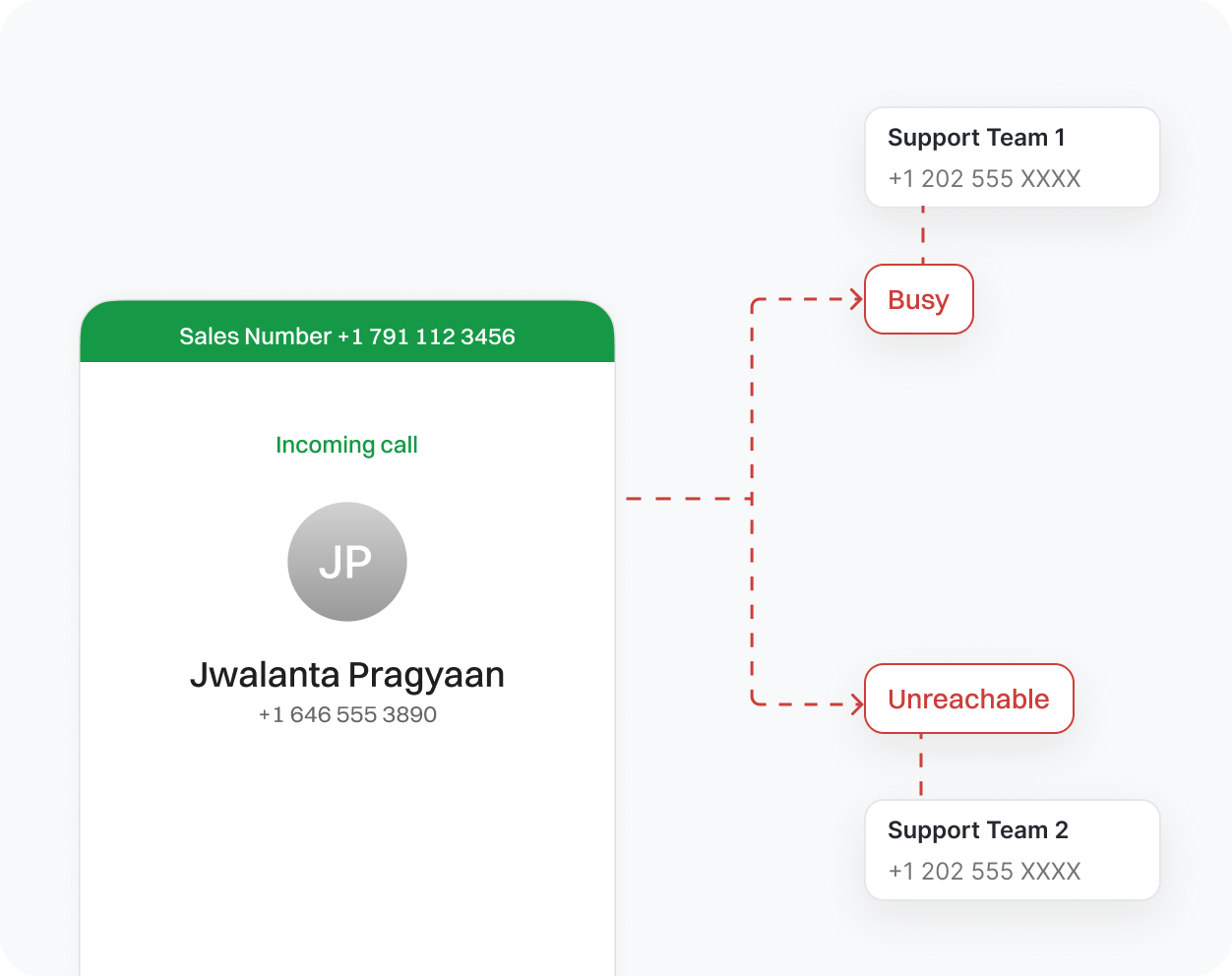
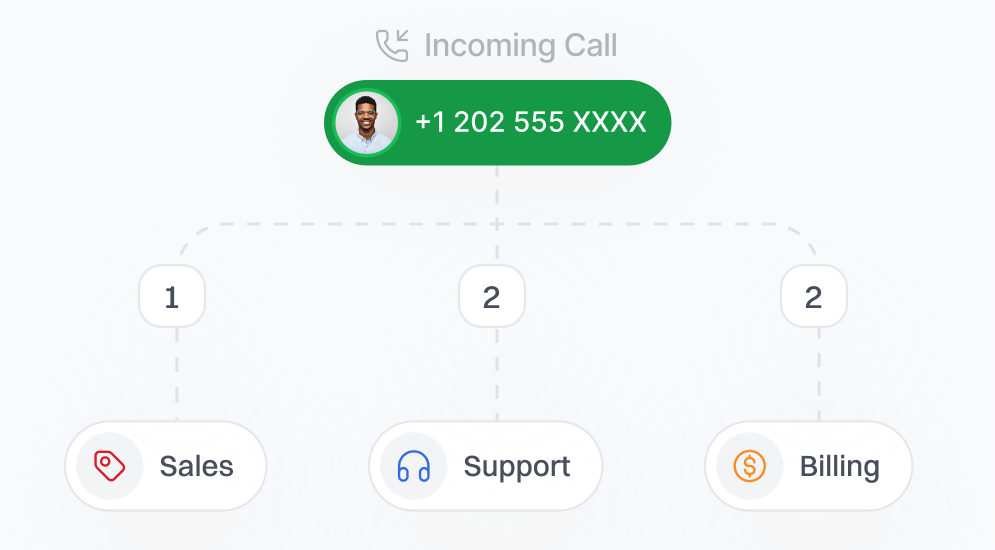
Call forwarding is a useful tool that enables you to direct incoming calls to any phone number of your choice. If you step away from your desk or work from home, you can still take important calls on your phone, have them forwarded to someone who can assist you, or let them go to voicemail when no one is available. This is the benefit of call forwarding.
It ensures you don’t miss important calls from customers or team members, even when you are busy. For businesses, this means providing good service without interruptions and being flexible all day.
In short, call forwarding helps your business stay ready and professional, no matter where you are.
How to Use Call Forwarding?
Getting started with call forwarding is quick and easy. If you don’t have an account yet, sign up with us to unlock this feature.
Once you’re in, just follow these simple steps:
- Log in to your account and head over to the “Portal” menu.
- Click on the “My Numbers” section and select Settings.
- Find and enable the Call Forwarding option.
- Enter the phone number where you want your calls to be forwarded.
- Set your forwarding rules, choose when and how calls should be redirected (e.g., when you’re busy or unavailable).
- Hit Save, and you’re all set!
Whether you’re using a Verizon code for call forwarding, AT&T, T-Mobile, or Spectrum, your calls will now reach you wherever you are, with no missed opportunities, no hassle.
How Does Call Forwarding Work?
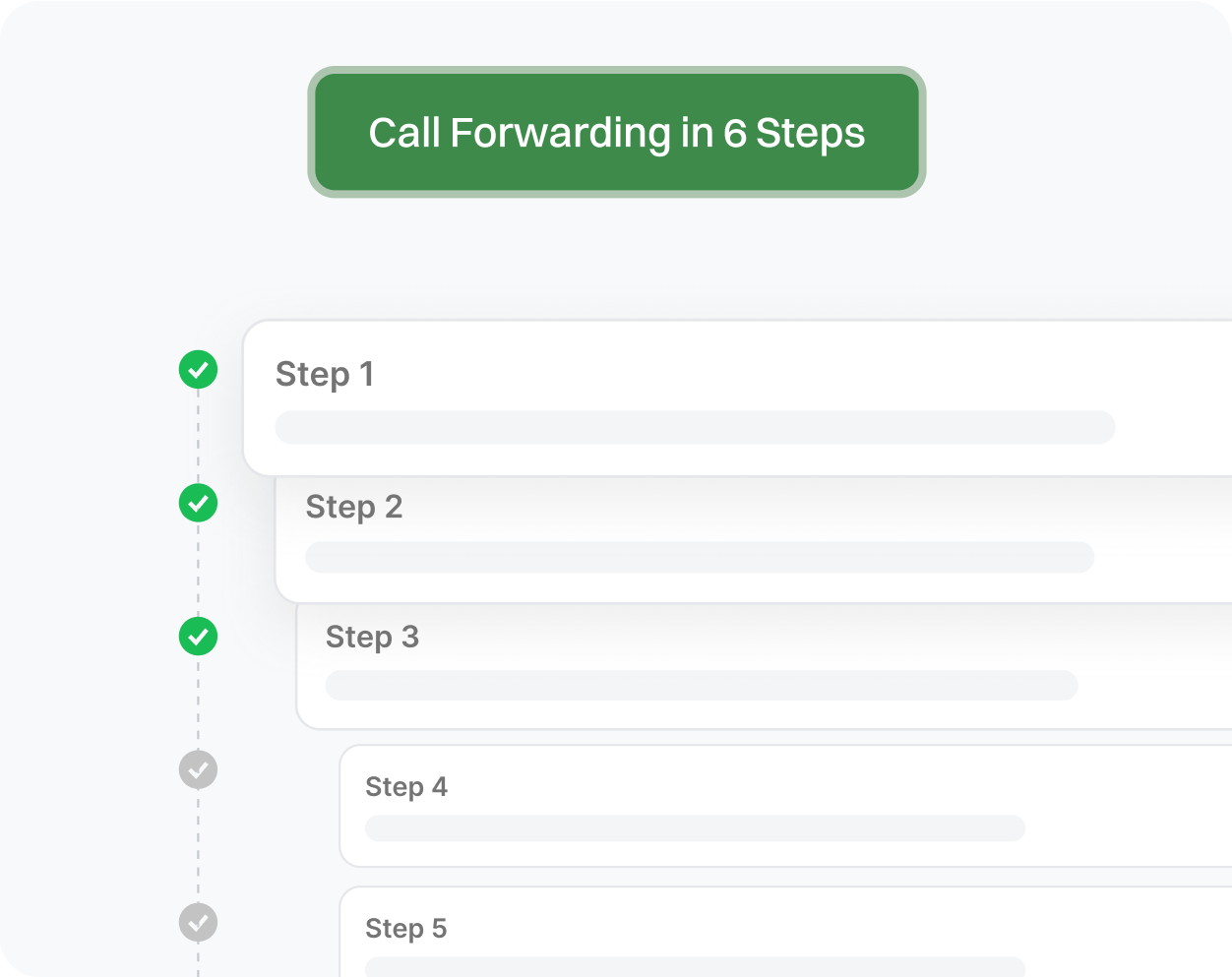
Call Initiation
A caller dials your number, which could be a business line, personal number, or VoIP line.
Call Forwarding Check
The system immediately checks if call forwarding is enabled for the number.
Condition Evaluation
The system checks your forwarding rules to determine whether to forward always, when busy, unanswered, or unreachable, and applies them accordingly.
Destination Identification
Based on your setup, the system identifies the target number, which could be your mobile phone, a colleague's phone, voicemail, or even an answering service.
Call Redirection
The call is seamlessly forwarded to the chosen destination. The caller experiences no disruption or indication that the call was redirected.
Call Handling
You or your designated recipient answers the call, ensuring that no opportunity is missed, regardless of your location.
Benefits of Call Forwarding for Business

Uninterrupted Communication
Stay connected by forwarding calls to multiple devices using a free call forwarding app for Android or iPhone, codes for call forwarding, ensuring no important call is missed—anytime, anywhere.

Increased Availability
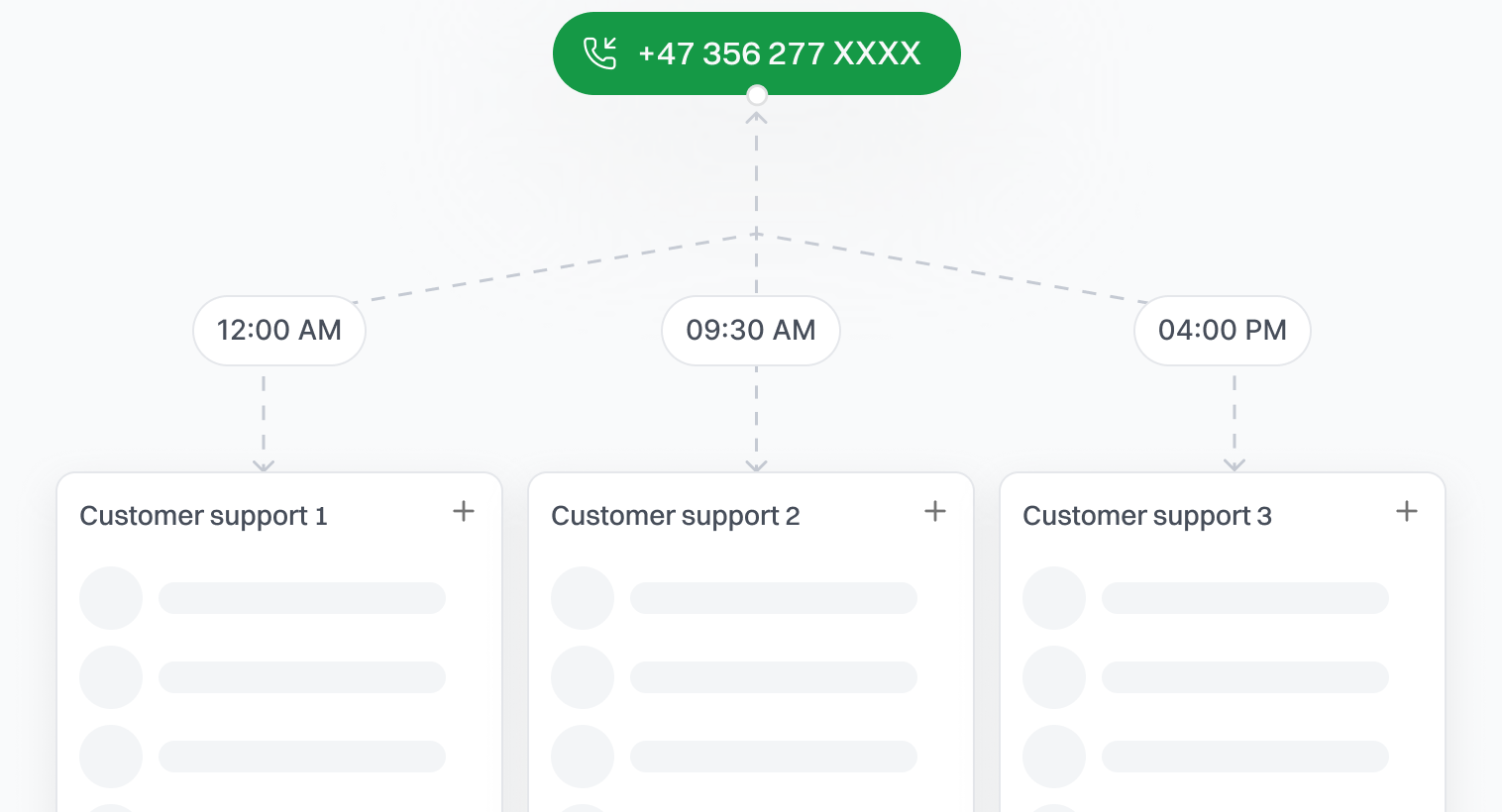
Route calls to alternate numbers during off-hours to ensure customer inquiries are handled promptly.



Why Use Dialaxy’s Call Forwarding Feature?
Dialaxy provides a reliable call forwarding system designed to keep your business connected at all times. With flexible options to forward calls based on your schedule, caller identity, or device preference, you can ensure every call reaches the right person without any hassle.
Whether you’re a small business or a growing team, Dialaxy’s call forwarding adapts to your needs, supporting multiple devices and remote workers seamlessly. Our platform makes it easy to manage call forwarding so you never miss important customer calls.
With Dialaxy, you reduce missed calls, improve response times, and deliver better customer experiences. Smart automation and straightforward controls help you stay connected and keep your business running smoothly.
Flexible Call Forwarding Options
With Dialaxy, you can forward calls based on your schedule, the caller, or the device you want to use. Whether it’s your mobile, landline, or a team’s number, Dialalxy lets you set it up just how you need it. This flexibility enables your team and business to remain organized and responsive, regardless of circumstances. It’s a simple way to keep your business running smoothly and never miss a chance to help a customer.
Seamless Control from One Dashboard
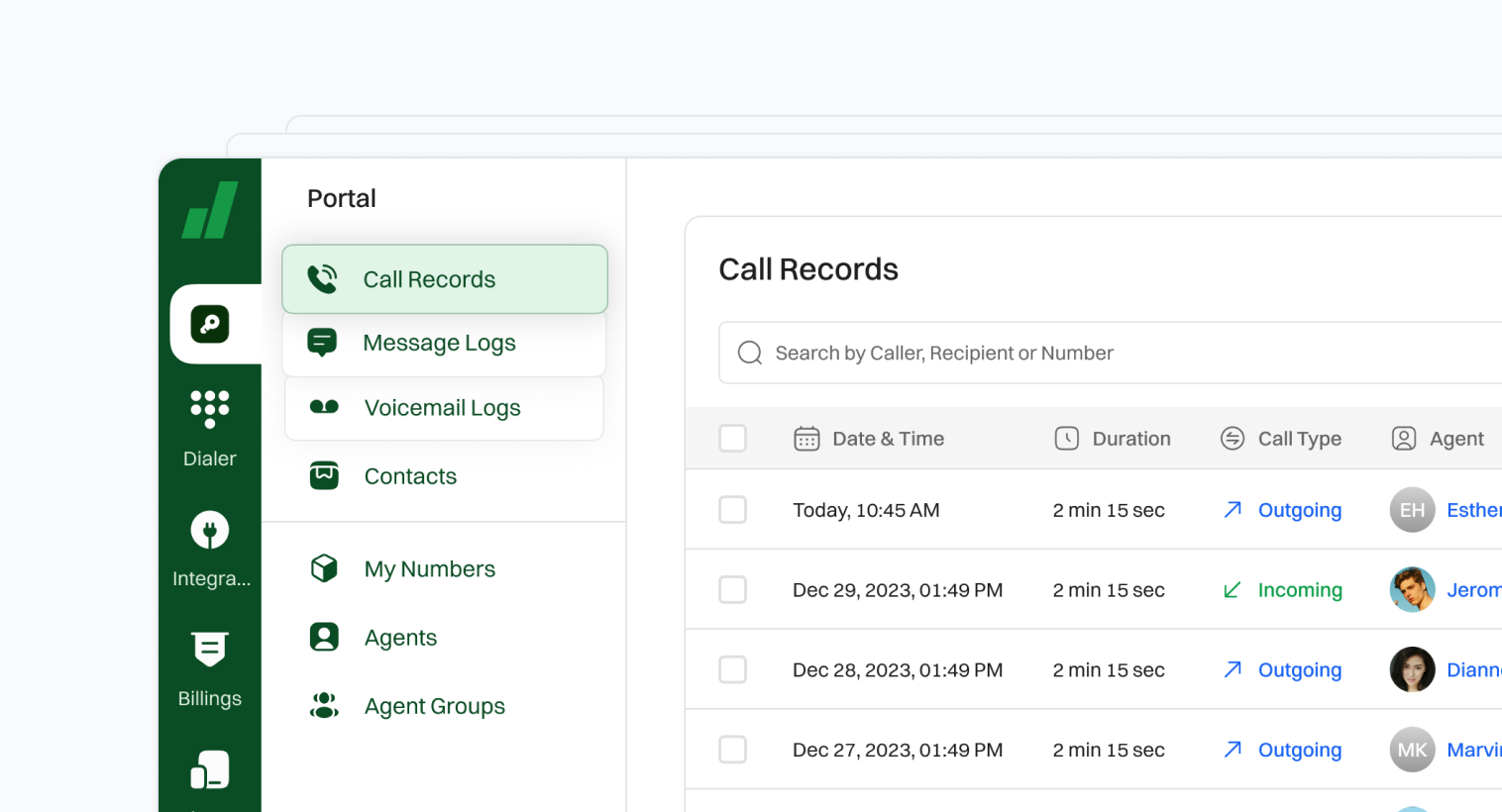
Manage all your call forwarding needs effortlessly with Dialaxy’s easy-to-use dashboard. From one convenient place, you can update your forwarding settings, check who called, and review missed calls without any hassle. This central control helps your business save time and keeps your team connected. Whether you’re making quick changes on the fly or simply monitoring call activity, Dialaxy keeps things smooth and straightforward, with no technical headaches to worry about.
Advanced Features for Smarter Business
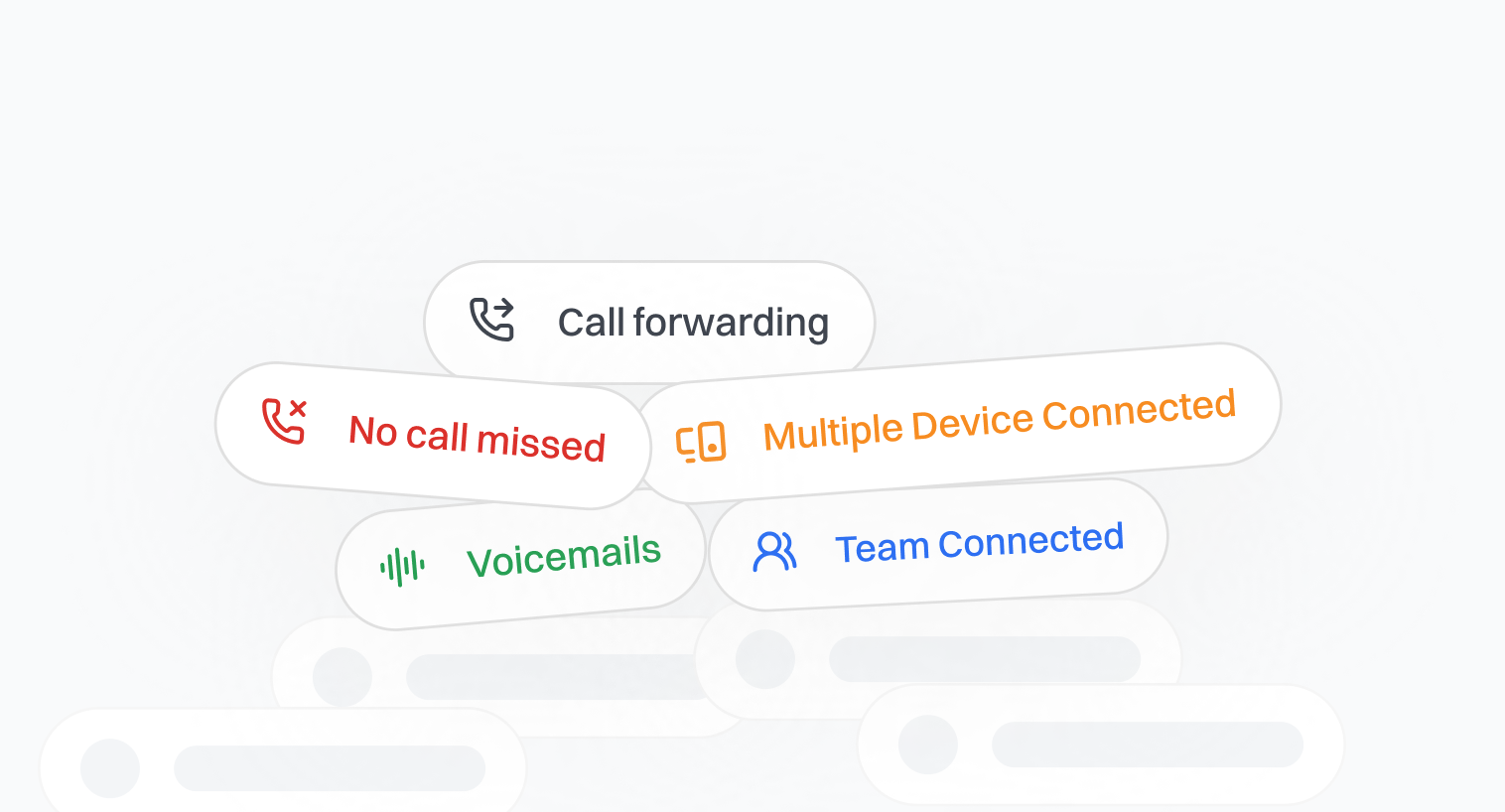
With Dialaxy, you can have calls ring on multiple devices at the same time, easily forward calls to the right person, and get voicemails all in one place. This means your customers get through faster, and no call gets missed. It’s all about making things simple for you and keeping your team connected so you can give your customers the best experience possible.
Reliable, Clear Call Quality
Effective communication is crucial for the success of any business, and minimizing interruptions plays a key role in this process. Dialaxy offers a cloud-based system that enhances connectivity reliability. Our Smart call forwarding feature ensures that important calls are directed to the appropriate person exactly when needed, facilitating seamless interactions and improving overall efficiency.
Things to Consider for Call Forwarding
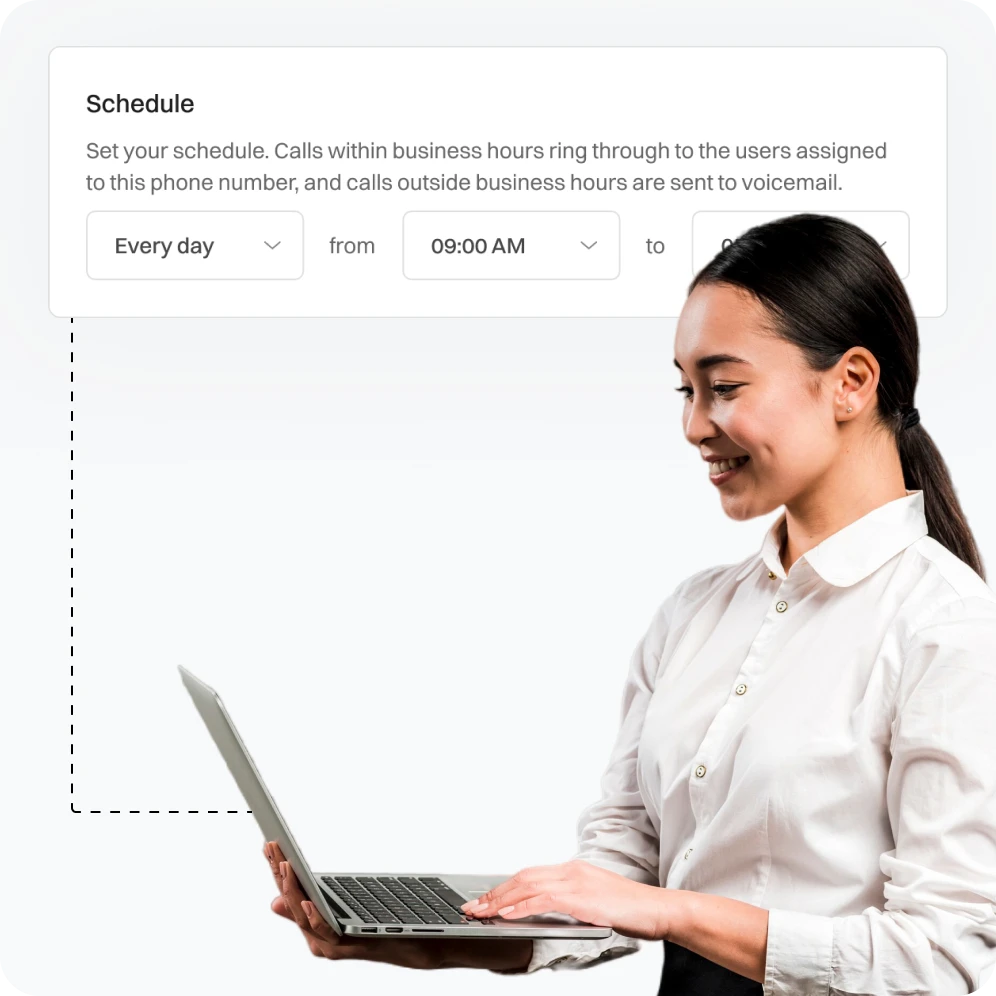
- Set clear rules for when calls should be forwarded, such as after a certain number of rings or during specific times of the day.
- Regularly review and adjust rules to ensure they align with business needs.
- Offer multiple forwarding options to ensure that calls are directed to the most appropriate number based on the caller’s needs.
- Allow users to update their forwarding preferences easily.
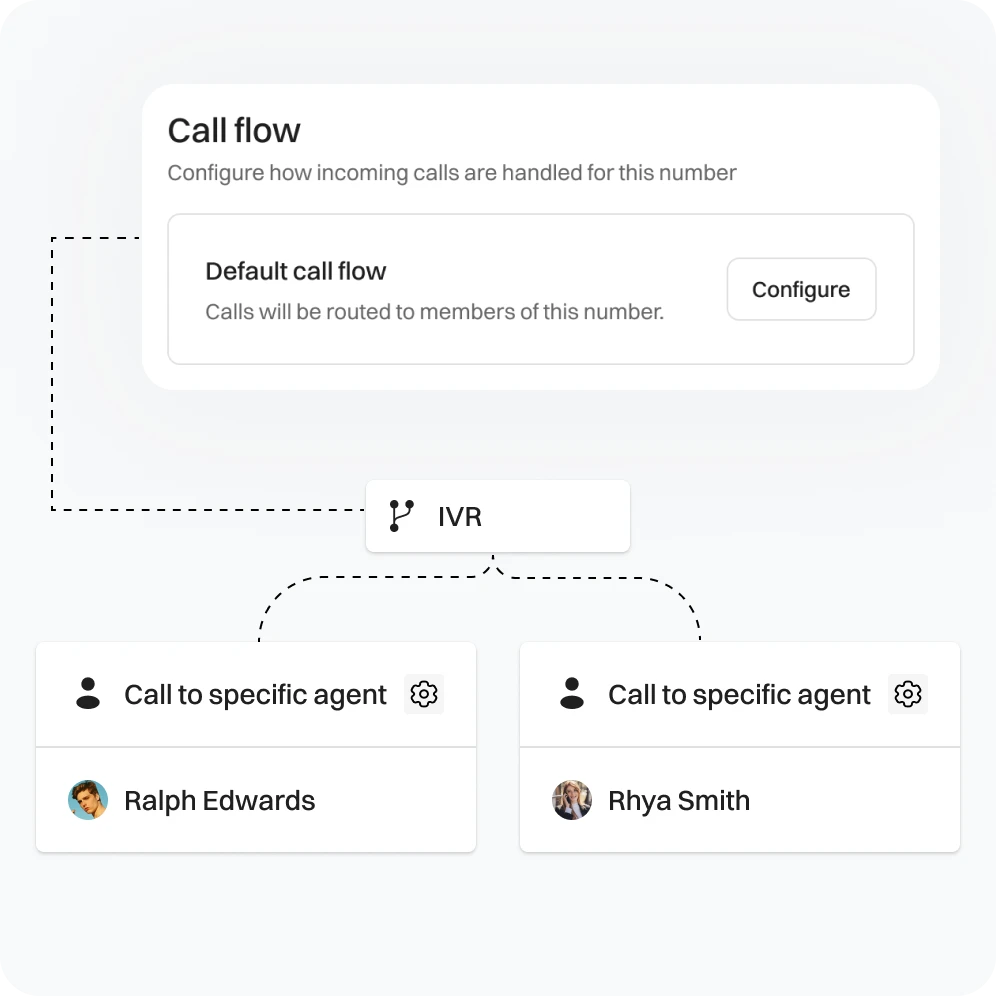
- Have a backup plan in place in case the primary forwarding number is unavailable, such as forwarding to a second number or voicemail.
- Regularly test backup plans to ensure they work correctly.
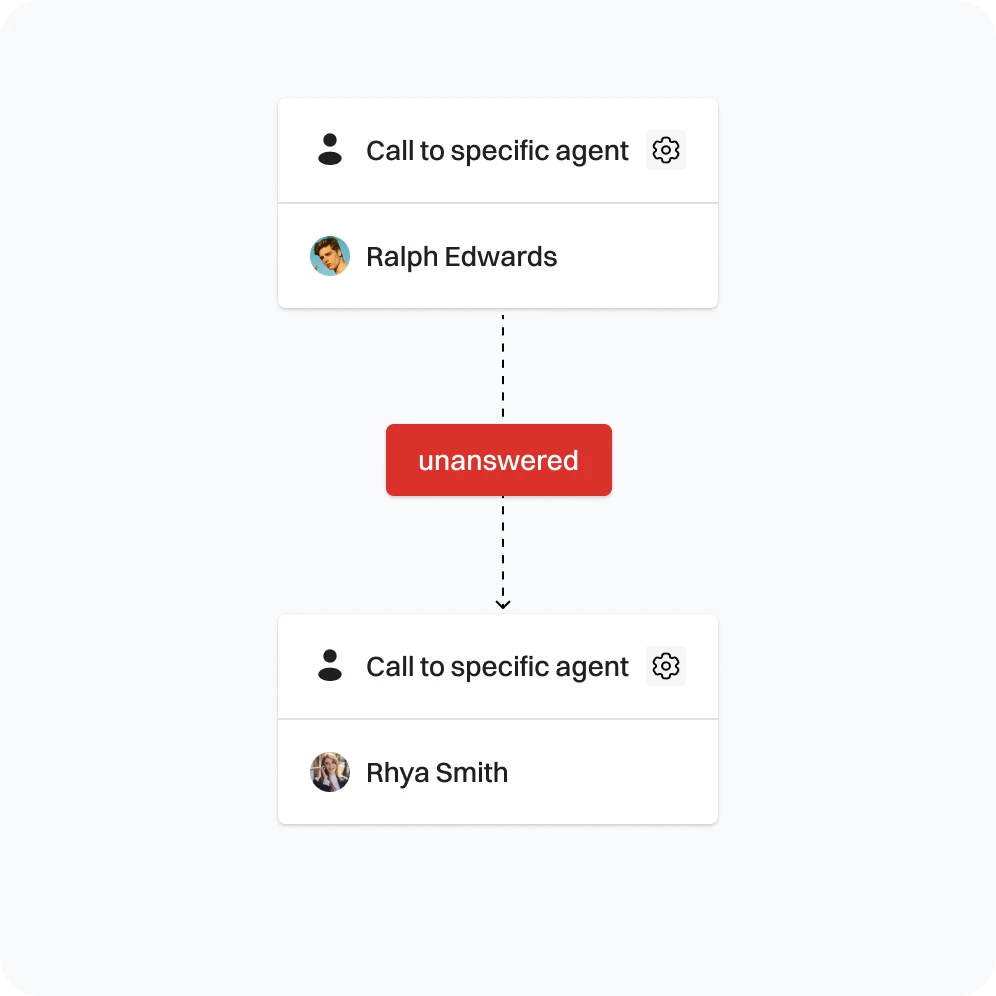
- Ensure the transition is smooth and that callers do not experience long wait times or multiple redirects.
- Provide clear messaging to inform callers of any forwarding.
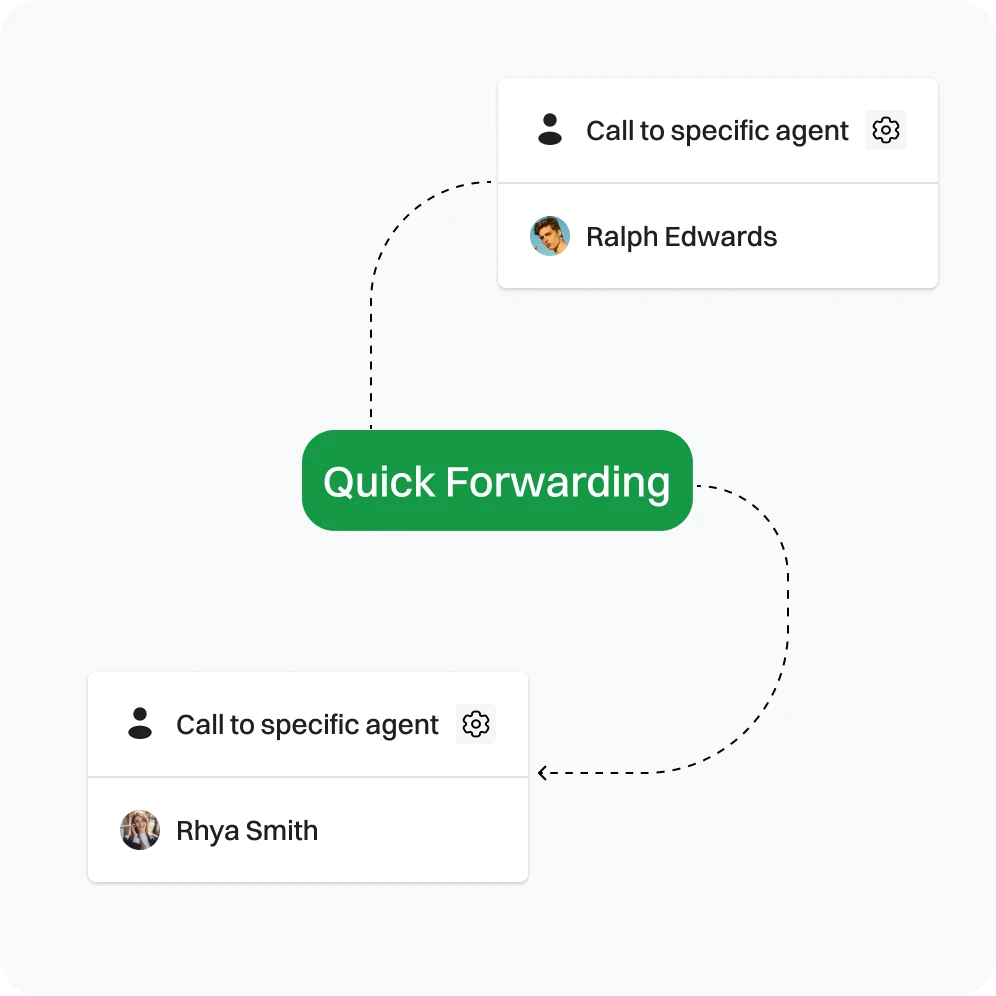
Call Forwarding Solutions: Built for Businesses That Need to Scale

Must-Have for Call Centers
Efficiently direct every call to the appropriate agent without delay, minimizing wait times. This feature is ideal for customer support centers, help desks, and sales teams, ensuring prompt service and improved customer satisfaction.

Essential for Service-Based businesses
Call forwarding is crucial for health clinics, repair services, law firms, and other service-based businesses. It ensures you stay reachable, allowing you to assist customers promptly and enhancing your availability and satisfaction.

Perfect for Remote Teams
It is essential to maintain constant communication with your remote sales teams, consultants, and field technicians, regardless of their location of work. Keeping them reachable ensures effective collaboration and support, enhancing productivity and responsiveness.

A Smarter Way to Stay Reachable Anytime, Anywhere
In various industries, such as retail, real estate, and hospitality, utilizing VoIP call forwarding can enhance connectivity and ensure you remain in control of communications, regardless of your location. This technology enables seamless communication, allowing you to manage calls efficiently while on the go.
Do’s and Don’ts of Call Forwarding

Do’s |

Don’ts |
|---|---|
|
Do Regularly Update Forwarding Settings |
Don’t Ignore Forwarding Alerts |
|
Do Monitor Forwarded Calls |
Don’t Use Complicated Forwarding Chains |
|
Do Inform Team Members |
Don’t Forget to Update Forwarding Numbers |
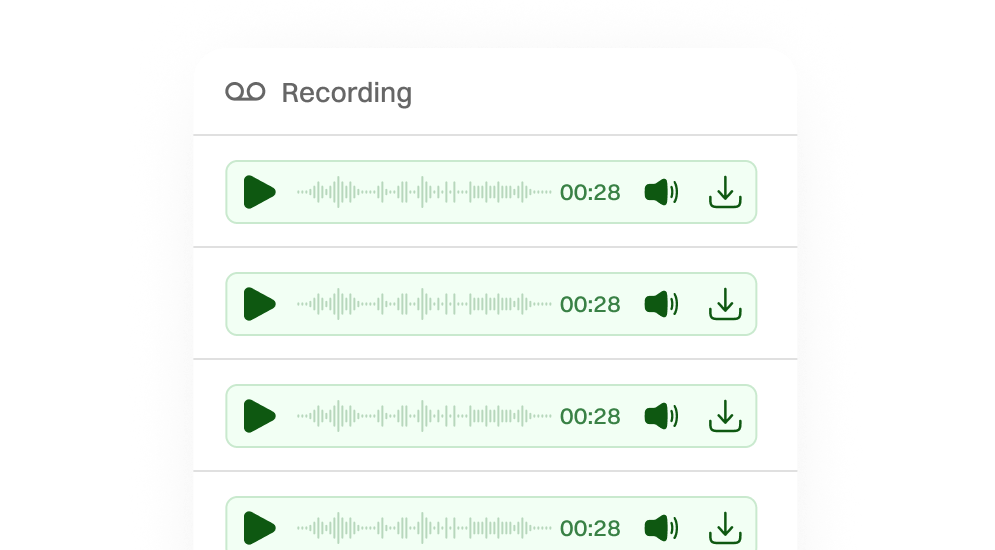
Additional Features like Call Forwarding

Frequently Asked Questions
Call forwarding is a phone feature that redirects incoming calls to a different number or destination you specify.
Diailaxy’s call-forwarding features include improved reachability, increased productivity, professional and brand image management, and practical customer support.
Yes, with Dialaxy’s conditional forwarding, you can define rules based on the scenario (busy, no answer, always)
Depending on your service provider, there may be limitations on the numbers you can forward to (e.g., they must be active lines) or additional charges.
Verify that the forwarding number is correct, and then try deactivating and reactivating call forwarding. If issues persist, please contact your service provider or consider subscribing to Dialaxy for a superior communication service.
Log in to your Dialaxy dashboard, go to call settings, and set your forwarding preferences in just a few clicks.
Go to your phone’s call settings or Dialaxy dashboard, find the call forwarding option, and toggle it off. It only takes a few seconds to disable.
Absolutely! Dialaxy allows you to forward VoIP calls to any mobile or landline number.
Yes, you can forward text messages on most smartphones by selecting the message and choosing the forward option. However, the exact steps may vary depending on your device and messaging app.